1. Enter the company portal
Employees sign in through the branded website using access provided by their company.
Give every corporate client a familiar, branded place for employee travel booking. Present the services you offer through a company website experience built around its identity and enabled travel options.
Give employees a clear starting point to sign in, choose an enabled travel service and manage their booking journey within their company’s branded portal.
Shape the employee-facing experience around the company identity, website address and selected travel products. For company structures, travel policies, approvals, budgets and payment controls, explore the B2E corporate travel management portal.
See how an employee enters a branded portal, searches an enabled service and finds trip details after booking.
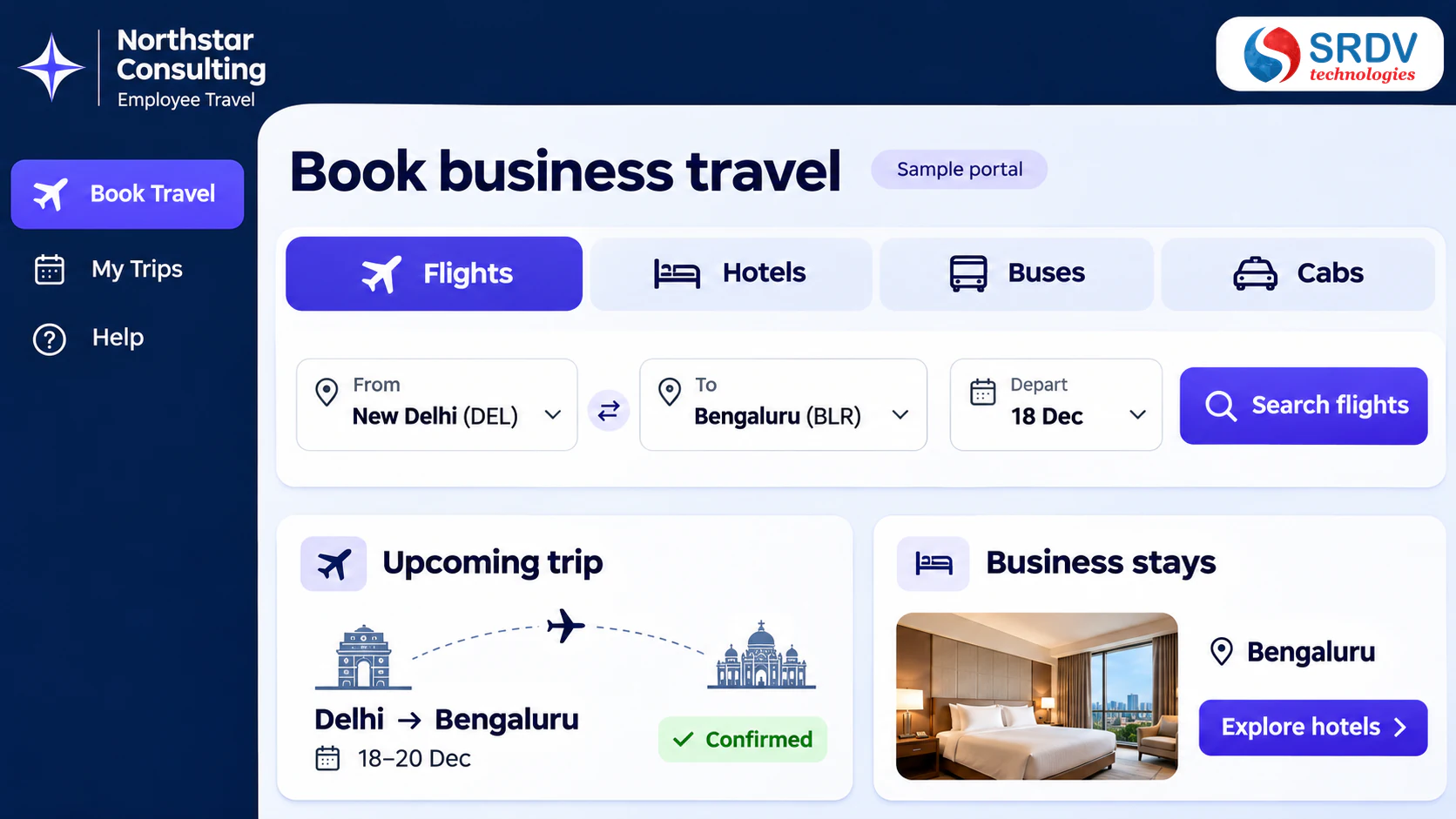
Employees sign in through the branded website using access provided by their company.
Employees can open the available flight, hotel, bus, cab or insurance service configured for their account.
Use the connected supplier inventory to review available options and complete the booking flow offered for that service.
Employees can return to the portal to review their trip information and booking references, subject to the account setup.
Build a consistent company-branded entry point for employees to access the travel services your business provides.
Present the employee booking experience with the company identity agreed for the rollout.
Set up a clear web address and sign-in route for each corporate client.
Give company users a dedicated place to search and manage enabled travel bookings.
Offer flights, hotels, buses, cabs and travel insurance where supplier connections are available.
Make the employee booking website accessible across desktop and mobile screen sizes.
Show travel options supplied through the services and inventory connected to the account.
Configure the identity, access and booking areas that employees use when they visit their company’s travel portal.
Set the brand and access approach, choose the travel services and review the experience before the corporate client begins using it.
Share the logo, preferred portal address and company identity for the website.
Prepare the employee sign-in and company-facing website experience.
Enable the required products based on the account and supplier connections.
Check key pages and booking access, then share the portal with the client.
Answers about branding, employee access and the travel services available through a B2E white label portal.
It is a corporate employee booking website presented with a travel business or corporate client’s branding. Employees use the portal to find and book the travel services enabled for their company.
The portal can be configured with agreed branding, such as a company logo and branded sign-in experience. The website address and rollout details are confirmed during implementation.
Depending on the account and supplier connections, the portal can offer flights, hotels, buses, cabs and travel insurance. The enabled services can vary by corporate client.
The employee booking experience is designed to work across desktop and mobile screens. Final device support and any client-specific requirements are confirmed during the portal setup.
Yes. The employee website can connect to the company’s configured rules and approval process. For details about policies, spending limits, approver roles, wallets and reporting, see the B2E corporate travel management portal.
The rollout typically confirms the brand and website address, configures the employee-facing portal, enables selected travel services and reviews the experience before access is shared with the corporate client.
Tell us about the company branding, employee access and travel services you want to provide.
From API integration to complete booking platforms, we combine travel-industry expertise, scalable engineering and dependable support.
Share your requirement and our travel technology expert will connect with you shortly.
Secure, scalable cloud infrastructure for travel technology.