Amadeus API Integration
Connect approved Amadeus content and supported travel booking workflows to your agent or customer platform.
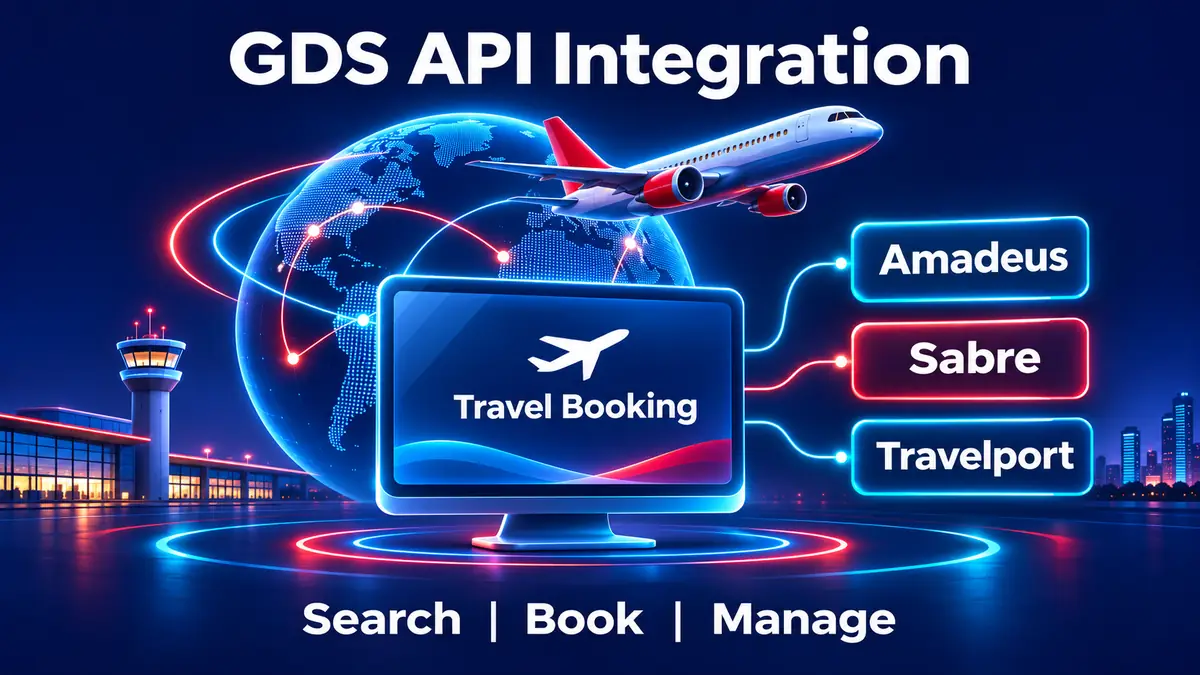
Explore Amadeus API IntegrationConnect Amadeus, Sabre or Travelport to your travel portal for approved flight search, fare checks, booking and supported servicing. Designed for travel agents, online agencies and direct customers.
Choose a connection based on your target markets, supplier content and the booking workflows your business needs. Available services depend on your provider agreement and approved API access.

Connect approved Amadeus content and supported travel booking workflows to your agent or customer platform.
Explore Amadeus API IntegrationBuild travel search, pricing and reservation journeys around the Sabre APIs enabled for your business.
Explore Sabre API IntegrationUse approved Travelport connectivity for travel content and booking functions available to your account.
Explore Galileo API IntegrationProvider contracts, credentials, content access and ticketing arrangements are separate from portal development.
A global distribution system (GDS) connects travel sellers with supplier content and reservation services. GDS API integration allows your website or application to request available travel options and carry supported booking actions into your own user experience.
SRDV Technologies builds travel portal workflows around approved Amadeus, Sabre or Travelport access. Depending on your provider agreement and enabled APIs, a platform can connect flight content and other travel services such as hotels or car rental.
Compare your target markets, content and booking workflows before choosing a provider. Access and features vary by agreement.
Swipe horizontally, or focus the table and use the arrow keys, to compare all columns.
| Provider | What to assess | Explore |
|---|---|---|
| Amadeus | Approved content, API products, ticketing and servicing for your markets. | Review Amadeus access and commercial terms. |
| Sabre | Available air and travel content, booking workflows and agency requirements. | Review Sabre products and approved account access. |
| Travelport | Travelport content and API workflows, including the applicable Galileo environment. | Review Travelport access and supported services. |
Read Amadeus vs Sabre vs Travelport: Which GDS API Should You Choose?
Follow these practical stages to move from choosing a provider to operating a tested GDS connection. The exact sequence and approval requirements depend on your provider and agreement.
List your target markets, travel services and users. Decide whether the portal will serve agents, travellers or corporate customers, and identify the search, booking and servicing actions needed at launch.
Compare Amadeus, Sabre and Travelport against the airlines, destinations, travel products and workflows your business needs. Confirm content access, commercial terms and relevant ticketing arrangements with the provider.
Complete the provider onboarding process and obtain approved documentation, test credentials and any required agency identifiers. Share credentials securely; never place them in a public enquiry form.
Map the flow from search and fare review to traveller details, payment, reservation and ticket issuance. Agree who handles failed payments, pending responses, cancellations and customer support.
Build the approved connection, display the returned options and fare conditions, and revalidate pricing as required. Configure your portal markup, fees and channel permissions within the agreed scope.
Connect reservation creation, supplier references and supported ticketing operations. Add booking retrieval and the changes, cancellations or refunds available under the provider agreement.
Test successful bookings and edge cases such as price changes, timeouts and pending confirmations in the approved environment. Complete any provider review, certification or business acceptance required for your account.
Configure approved production access, train your operations team and monitor the first transactions. Agree ongoing maintenance, supplier API updates and a clear process for investigating booking issues.
Supplier access, accreditation, commercial approval and any certification are subject to the relevant GDS provider. A booking request or successful payment does not by itself guarantee ticket issuance.
Build your portal around the supplier services and booking operations approved for your account.
Show flight options and, where enabled, hotel or car content with the availability returned by the selected provider.
Present pricing, taxes and available fare rules, and validate the final offer at the appropriate booking step.
Connect traveller details and supported reservation creation, then record the confirmation or booking reference returned.
Coordinate payment and ticketing with your provider agreement and fulfilment process. Display confirmation only after the relevant supplier response.
Provide access to booking details and supported cancellation, change, void or refund workflows for your operations team.
Apply agreed pricing rules by sales channel and review bookings, exceptions and supplier responses in operational reports.
A booking flow links your users, your portal and the selected GDS through approved API operations.
The portal sends the travel criteria to the enabled provider and displays available results with relevant details.
The user selects an option, reviews conditions and extras, and the system checks the current price and availability.
The portal collects required traveller and payment details, submits the supported reservation request and records the supplier response.
Staff and users can review confirmation and supported servicing actions according to the provider and business process.
Booking creation, payment and ticket issuance are distinct steps. Handle pending or failed responses through a defined operational process.
Plan the connection around your GDS agreement, sales model and booking operations.
Review provider documentation, approved content, credentials and your platform requirements.
Map search, pricing, traveller details, payment, booking and servicing responsibilities.
Develop the API connection, portal experience, pricing controls and operational records.
Validate agreed scenarios, complete applicable supplier checks and prepare for production.
Review supplier terms and your platform requirements before committing to scope or launch dates.
Provider access, available inventory and ticketing arrangements vary by contract, market and enabled API.
Integration cost and timing depend on the existing platform, provider workflows, user channels and testing scope. Supplier charges are separate.
Review the provider-specific connections available for your travel business.
Answers about GDS providers, access and booking integrations.
It connects a travel portal or application to approved global distribution system APIs for supported travel search, booking and servicing operations.
A portal can integrate approved APIs from providers such as Amadeus, Sabre and Travelport. Galileo is a Travelport GDS brand. Available content and operations depend on the specific agreement.
Some provider APIs support hotel or car content in addition to flights. Availability, supplier coverage and booking functions depend on the products enabled for your account.
Access and ticketing requirements depend on the provider and your commercial model. Confirm whether your business needs its own agreement, agency accreditation or a separate fulfilment arrangement.
Yes. Approved content can be used in agent and customer channels with suitable access controls, pricing and booking workflows, subject to provider terms.
No. GDS, NDC and low-cost content availability varies by provider, airline, market and agreement. Confirm the specific sources and workflows you need.
The estimate depends on the provider, platform, required features, testing and approvals. Supplier contracts and access fees are separate from development.
A travel platform can be designed for multiple approved GDS connections. Supplier selection, result presentation and operational handling should be planned for each provider.
Share your provider access, target markets and booking requirements so we can discuss a practical integration scope.
From API integration to complete booking platforms, we combine travel-industry expertise, scalable engineering and dependable support.
Share your requirement and our travel technology expert will connect with you shortly.
Secure, scalable cloud infrastructure for travel technology.